
10 Monthly Bills You Could Be Overpaying — and How to Cut Them in 2026
Review 10 recurring household bills, from streaming and mobile to insurance and bank fees. Use a 15-minute audit to compare, downgrade or cancel what you no longer need.
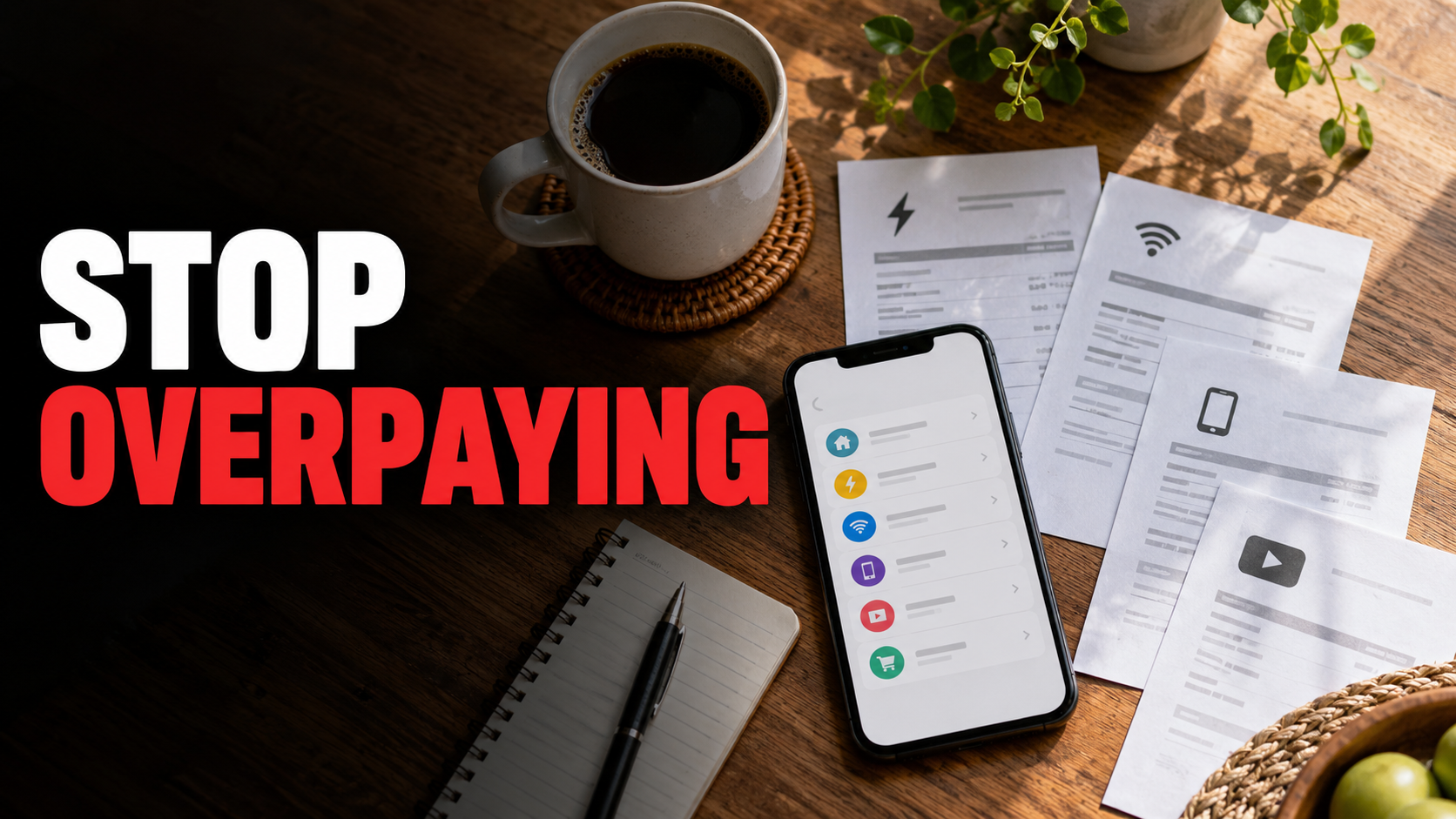
Quick answer
You can often lower a monthly bill without giving up the service. Start with the payments that repeat automatically, compare what you actually use with what you pay for, then ask for a better plan or cancel what no longer earns its place. Streaming, phone, internet, insurance, utilities, storage, gym, delivery, bank and app charges all deserve a review. Your savings depend on your own contracts and usage; there is no credible one-size-fits-all amount across the US, UK, Canada and Australia.
A useful rule for every bill is: Check → Compare → Negotiate or downgrade → Cancel. Check the next renewal date and any notice period before you act. Keep essential coverage and service running while a replacement starts.
The 10 bills to check first
Streaming — Rarely used? Cancel or rotate.
Mobile — Paying for unused data? Downgrade.
Internet — Old deal expired? Compare or negotiate.
Insurance — Renewal approaching? Get like-for-like quotes.
Utilities — On the wrong tariff? Compare local options.
Apps and software — Forgotten subscriptions? Cancel.
Cloud storage — Duplicate space? Consolidate safely.
Gym — Low attendance? Freeze or downgrade.
Delivery memberships — Overlapping plans? Keep only what pays off.
Bank and card fees — Monthly or annual fees? Compare alternatives.
1. Streaming: pay for what you watch now
Check your bank statement and app-store subscriptions, then list the services you actually watched in the past month. Compare individual plans, bundles and ad-supported tiers in your country, including whether the show you want is available there. Downgrade if a cheaper tier meets your needs, or rotate services: keep one while a particular series is on, cancel it, and come back later if you wish. Check billing dates, downloaded content and any annual-plan terms before cancelling. If you use a family plan, confirm who depends on it first.
2. Mobile: match the plan to your data
Check recent bills and your carrier's data-usage history, including roaming, device payments and add-ons. Compare a smaller allowance and other networks that serve the places you actually visit. Ask your current provider for a lower-cost plan or a retention offer, but calculate the full ongoing price after any promotion ends. If switching, check whether your phone is financed, whether you can keep your number, and whether there is an early termination charge. The Canadian regulator CRTC provides a consumer guide to comparing mobile plans: https://crtc.gc.ca/eng/phone/mobile/options.htm
3. Home internet: challenge the expired introductory rate
Check your current monthly price, actual speed, reliability, equipment rental and contract end date. Compare providers at your exact address, including the price after the introductory offer, setup fees and any bundle requirement. Ask your provider to match a comparable offer or move you to a cheaper speed tier if your household does not need its current package. Arrange the new connection before cancelling the old one if uninterrupted access matters. In Canada, the CRTC explains the pricing and speed information providers should make available: https://crtc.gc.ca/eng/internet/compare.htm

Photo: Pixel.la / CC0, via Wikimedia Commons. https://commons.wikimedia.org/wiki/File:Apple-iphone-smartphone-desk_(24243796611).jpg
4. Insurance: compare coverage as well as the premium
Check the renewal notice for home, renters, car or other coverage, along with the excess or deductible, exclusions and any changed circumstances. Get like-for-like quotes using the same limits and details. Ask your insurer whether a different excess, eligible discount or revised coverage changes the price. Switch only after confirming the replacement policy's start date and terms. A lower premium can cost more after a claim if the excess or cover changes. Canada's Financial Consumer Agency recommends comparing both coverage and cost: https://www.canada.ca/en/financial-consumer-agency/services/insurance/get-insurance.html
5. Utilities: review the plan available where you live
Check your electricity, gas or other utility bill for the unit rate, standing or fixed charge, usage and expiry of a fixed offer. Compare the total cost for your usage, not just a headline rate. Ask about an available tariff, payment method or support program that suits you. Switching options vary by location and market; in some places the provider cannot be changed. Reducing avoidable usage can still help, but do not assume a quoted rate elsewhere applies to your address. UK MoneyHelper has a household-bills guide: https://www.moneyhelper.org.uk/en/everyday-money/budgeting/how-to-save-money-on-household-bills
6. Cloud storage: avoid paying twice for the same space
Check usage in each cloud account and whether a phone, family or software bundle already includes storage. Compare capacity, sharing rules and what happens if your files exceed a free tier. Downgrade or consolidate only after backing up important files and confirming photos, device backups and shared folders still work. Cancel a duplicate plan after the migration is complete, not before. A small monthly fee may be worth keeping if it protects a backup you actually rely on.
7. Gym: calculate your own cost per visit
Check attendance over the last several weeks, membership tier, class bookings and contract notice terms. Divide your monthly fee by visits you actually made; compare pay-as-you-go, off-peak, community facilities or a lower tier for your routine. Ask whether you can freeze membership during a planned absence. If you cancel, follow the gym's required process and keep written confirmation. Simply blocking the card payment may not end the underlying membership agreement.
8. Delivery memberships: include the fees behind “free” delivery
Check how often you ordered and the membership fees, service charges, minimum baskets and tips you actually paid. Compare the same basket as a non-member, collection, or a different service. Downgrade if a cheaper tier exists, or keep one membership whose benefits you use. Cancel overlapping plans before they renew. A membership's advertised delivery benefit does not automatically make every order cheaper.
9. Bank accounts and cards: test whether the perks earn their fee
Check account maintenance fees, ATM charges and card annual fees against the benefits you really used. Compare accounts and cards with the features you need, including access to cash, foreign spending costs and any conditions for a waived fee. Ask whether your bank offers a simpler account or eligible fee waiver. If switching, move direct debits and deposits carefully and keep the old account open until payments have settled. Canada's FCAC offers account and card comparison tools: https://www.canada.ca/en/financial-consumer-agency/services/banking/choosing-financial-institution.html
10. Apps and software: find the subscriptions you forgot
Check both your card statements and the subscription pages in Apple, Google and the app itself. Compare the free tier, a monthly plan, an annual plan and a one-time alternative only for features you use. Downgrade seats or storage where possible; cancel trials before their renewal deadline. Export files before losing access. The US Federal Trade Commission advises reading renewal and cancellation terms and monitoring statements for recurring charges: https://consumer.ftc.gov/articles/getting-and-out-free-trials-auto-renewals-and-negative-option-subscriptions

Photo: Wikimedia Commons / CC0. https://commons.wikimedia.org/wiki/File:Bud%C5%BCet_domowy.jpg
A 15-minute monthly bill audit
- Open the last bank and card statements, including digital wallets, and mark every recurring charge. Search for merchants you do not immediately recognise.
- For each service, note the price, renewal date, cancellation route and whether you used it in the past 30 days. For insurance and utilities, look at the renewal and current plan even when use is essential.
- Compare one realistic alternative on the same basis: total monthly cost, tax and fees, promotional expiry, coverage, speed, or usage limits.
- Ask for a cheaper plan or negotiate. If it is no longer useful, cancel through the provider's required channel and save the confirmation. Schedule a follow-up check of your next statement.
Start with one easy cancellation and one larger contract review. Do not cancel a payment in your bank app as a substitute for ending a contract: payment instructions and the service agreement can be separate. The US CFPB explains that stopping a pre-authorized payment does not cancel the contract with a merchant: https://www.consumerfinance.gov/ask-cfpb/how-can-i-stop-a-preauthorized-debit-from-being-paid-out-of-my-checking-account-en-2021/